

Is your home WiFi slow in Japan? Discover common causes, router troubleshooting tips, and how to get technical support from 3M INTEL.
Slow home WiFi in Japan can be caused by poor router placement, too many devices using the connection simultaneously, wireless interference, network equipment issues, or internet congestion. Before upgrading your internet plan or replacing your router, it is important to identify the possible cause and choose the right solution.
Unstable WiFi during video meetings, streaming, or online gaming can occur in both Japanese mansions and detached houses.
3M INTEL (3Mintel株式会社) provides fixed home internet solutions using NTT Hikari infrastructure and offers guidance to help customers troubleshoot common connectivity problems.
Here are the most common causes of slow home WiFi and practical steps you can try.
1. Why Is Your Home WiFi Slow in Japan?
Slow internet is not always caused by your internet service provider. According to technical guidance from NTT East, the home environment and networking equipment can also affect connection quality.
| Possible Cause | Common Signs |
| Poor Router Placement | Strong WiFi near the router but weak signals in other rooms |
| Too Many Active Devices | Slower connections when multiple people stream or download |
| WiFi Interference | Unstable connection in certain areas |
| Router or ONU Issues | Frequent disconnections or unexpected interruptions |
| Network Congestion | Slower internet during certain hours |
| Device-Specific Problems | Only one smartphone or laptop experiences slow speeds |
Poor Router Placement
In Japanese mansions, WiFi signals may weaken when passing through walls, doors, or furniture.
If the router is placed inside a cabinet, near the floor, or far from the main usage area, its signal may not reach every room effectively.
Too Many Devices Using the Internet
A family using laptops, smartphones, Smart TVs, and WiFi cameras may consume significant bandwidth, especially when several people attend video meetings, stream content, or download files simultaneously.
The total number of connected devices is not the only factor. What matters more is how much data those devices use at the same time.
Wireless Interference or Network Congestion
Nearby WiFi networks, other devices using the 2.4GHz frequency band, and physical obstacles can interfere with wireless connections.
Internet speeds may also decrease during busy periods when many users share network resources.

Four common causes of slow home WiFi in Japan include poor router placement, too many connected devices, signal interference, and network congestion.
2. Six Ways to Fix Slow Home WiFi
Before contacting your internet provider, try these basic troubleshooting steps.
Step 1: Restart Your Router and ONU
If your internet suddenly becomes slow or stops working, check the power supply, cables, and indicator lights.
Then restart the equipment according to the instructions provided by the manufacturer or internet service provider.
If your fiber-optic connection uses a separate ONU and router, follow the recommended restart sequence.
Important: Avoid pressing and holding the Reset button or restoring factory settings unless instructed, as this may erase your connection configuration.
Step 2: Improve Router Placement
Place your router in an open area, away from large obstacles and devices that may cause interference.
If your apartment has several rooms, test the WiFi signal in different locations to identify areas with weak coverage.
Step 3: Check How Many Devices Are Active
Pause large downloads or temporarily disconnect devices that are not needed.
If your connection improves, review your household’s simultaneous internet usage and whether the router can handle the demand.
Step 4: Check Your WiFi Frequency Band
If your router supports both 2.4GHz and 5GHz WiFi, try switching to the more suitable band.
- 2.4GHz: Generally offers wider coverage but may experience more interference.
- 5GHz: Can offer better performance at suitable distances but is more affected by walls and obstacles.
Actual performance depends on your devices and home environment.
Step 5: Test Internet Speed in Different Locations
Try measuring your internet speed near the router, in the room where the connection is slow, and on another device.
If possible, compare the results with a wired LAN connection.
If LAN performance is normal but WiFi is weak, the issue may be related to wireless coverage or router performance.
If both LAN and WiFi are slow, the internet connection, networking equipment, or service status may need further investigation.
Step 6: Check Cables and Equipment Updates
Inspect your LAN cables, network ports, router, and ONU indicator lights.
If a firmware update is necessary, follow the manufacturer’s official instructions or contact customer support.
Avoid changing advanced network settings unless you understand their purpose.
3. When Should You Contact Your Internet Provider?
If the connection does not improve after basic troubleshooting, you should contact your internet service provider.
This is especially important if:
- Both WiFi and wired LAN connections remain slow.
- Your internet frequently disconnects.
- Your router or ONU displays unusual indicator lights.
- Speeds drop significantly during the same hours over several days.
- You cannot access the internet despite checking the power supply and cables.
Before contacting support, prepare your service information, device model, the time the issue occurred, and a description of the problem.
If available, include photos of the indicator lights or error messages.
Providing clear information helps the support team identify the next appropriate troubleshooting steps.
4. How Does 3M INTEL Support Customers With WiFi Problems?
3M INTEL provides SIM, eSIM, Pocket WiFi, and Fixed WiFi solutions in Japan, supporting the connectivity needs of people living, studying, and working in the country.
For fixed home internet, 3M INTEL uses NTT Hikari infrastructure and provides guidance on registration, setup, and common connection problems.
Troubleshooting Guidance
The official 3M INTEL website includes a Troubleshooting section where customers can find guidance on checking network devices, WiFi connections, and possible causes of slow or unstable internet.
Customers can follow these instructions before contacting support.
Support Based on the Reported Issue
If the problem continues, customers can contact 3M INTEL and provide:
- The internet service they are using.
- Their router model or related equipment details.
- A description of the connection problem.
- When the issue started or usually occurs.
- Photos or error messages, if available.
Depending on the situation, the support team can guide customers through equipment checks and help determine the next troubleshooting steps.
Guidance on Suitable Internet Solutions
If an existing connection does not meet the needs of a household with multiple devices, customers can also explore 3M INTEL’s Fixed WiFi services.
Choosing an internet solution should be based on address availability, actual usage needs, and service conditions.
Upgrading to a different plan should not automatically be considered the solution to every slow internet problem.
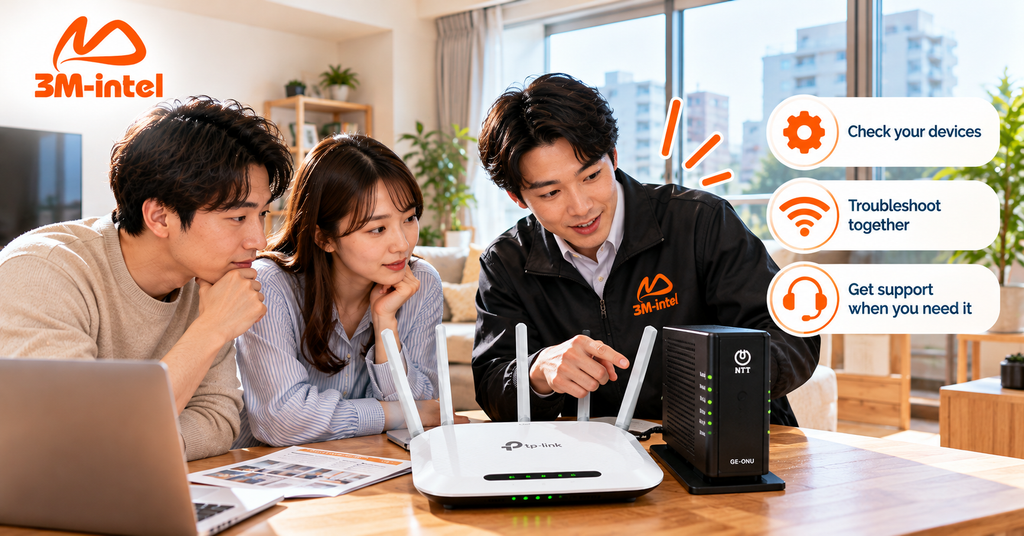
3M INTEL staff guide customers through checking their router and ONU device and troubleshooting home WiFi connection issues in Japan.
5. Frequently Asked Questions About Slow Home WiFi in Japan
Why Is WiFi in Japanese Mansions Often Slow at Night?
One possible reason is network congestion when many residents use the internet simultaneously.
However, router performance, connection type, and other conditions should also be checked before identifying the cause.
Should I Replace My Router If My WiFi Is Slow?
Not immediately.
First, check the router’s placement, the number of active devices, wired LAN performance, and the internet connection.
Consider replacing the router only if it is faulty or cannot adequately meet your usage needs.
Why Is My Internet Slow Even When the WiFi Signal Is Strong?
WiFi signal strength mainly indicates the wireless connection between your device and the router. It does not guarantee that the internet connection itself is performing well.
Possible causes include network congestion, router issues, or device-related problems.
What Should 3M INTEL Customers Do When Experiencing WiFi Problems?
Visit the Troubleshooting section on the official 3M INTEL website to check common connectivity issues.
If the problem continues, contact customer support and provide your equipment details and a description of the issue.
6. Troubleshoot Slow Home WiFi With 3M INTEL
If your home WiFi is slow in Japan, check the router, equipment placement, connected devices, and internet connection before upgrading your plan or replacing equipment.
With its troubleshooting guides and Fixed WiFi services using NTT Hikari infrastructure, 3M INTEL helps customers understand possible connection issues and find appropriate support.
If you are a 3M INTEL customer experiencing internet problems, review the troubleshooting instructions or contact the support team for further guidance.
Contact 3M INTEL
- Website: https://3mintel.jp/
- Email: 3mintel.japan@gmail.com
- WiFi Services: https://3mintel.jp/
- Registration and Payment Information: https://3mintel.jp/
3M INTEL – Clear Connectivity, Support When You Need It.