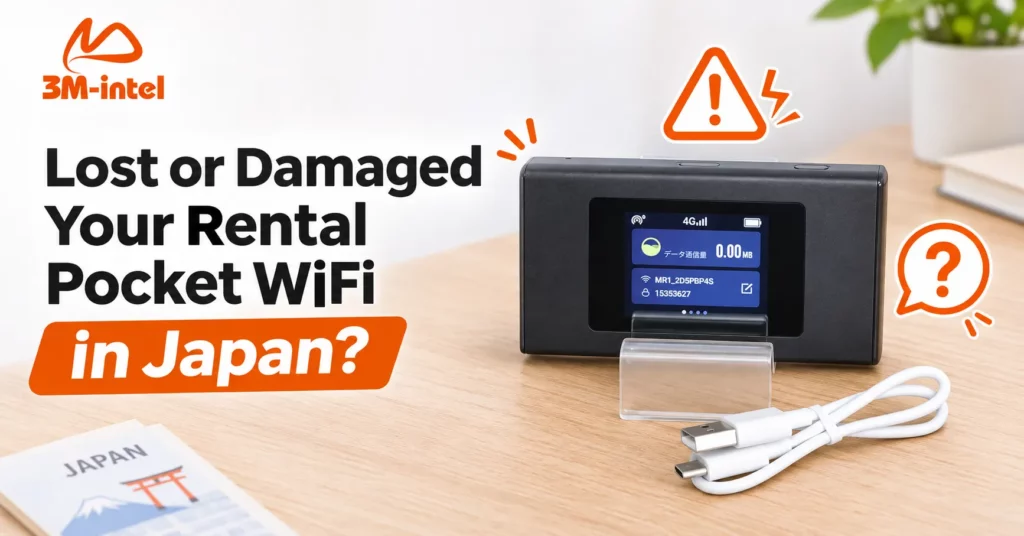
Lost or damaged your rental Pocket WiFi in Japan? Learn how to report the issue, check compensation and deposit terms, and contact 3M INTEL.
If your rental Pocket WiFi is lost or damaged in Japan, contact your service provider as soon as possible to report the incident and request further instructions. Do not attempt to repair, replace, or dispose of the device without authorization. Compensation charges and equipment deposit refunds depend on your rental agreement, device model, and the circumstances of the incident.
3M INTEL (3Mintel株式会社) offers Pocket WiFi rental services in Japan, including U20, MR1, and WiMAX devices. If your device is missing, physically damaged, exposed to water, or no longer working properly, this guide explains what to do and how to prepare the necessary information before contacting support.
1. What Should You Do Immediately if Your Pocket WiFi Is Lost or Damaged?
The appropriate response depends on the situation. The most important steps are to identify the problem and notify your provider promptly.
Scenario 1: Your Pocket WiFi Is Lost or Missing
If you cannot find your rental device, follow these steps:
- Check the places where you last used it. Look in your bag, workplace, hotel, public transportation, or accommodation.
- Contact the relevant Lost and Found service. If you think you left the device at a railway station, on a train, in a shop, or at a hotel, contact the appropriate Lost and Found department.
- Notify 3M INTEL. Provide the device model, the last known location, and when you last used it.
- Confirm the next steps. Ask whether a lost-property report, additional documents, or a device replacement or service termination procedure is required.
If you suspect that the device was stolen, report the incident to the Japanese police and keep any reference number or documentation provided.
Do not wait until your scheduled return date to report a missing device. Early notification gives the provider more time to review the available options.
Scenario 2: Your Pocket WiFi Is Dropped, Broken, or Exposed to Water
If you still have the device but it is damaged, check its condition and prioritize safety.
- Dropped device or cracked casing: Avoid further physical impact and take photographs of the damage.
- Water exposure: Turn off the device if it is safe to do so, disconnect it from charging, and avoid repeatedly attempting to restart it.
- Swollen battery, unusual heat, or strange odor: Stop using and charging the device immediately. Keep it in a safe location away from flammable materials.
- Device will not turn on: Record the symptoms and contact support before attempting advanced troubleshooting.
Do not open the casing, replace the battery, repair electronic components, or use an unauthorized repair service without approval from 3M INTEL.
Unauthorized repairs may make it more difficult to assess the damage and could create complications when returning rental equipment.
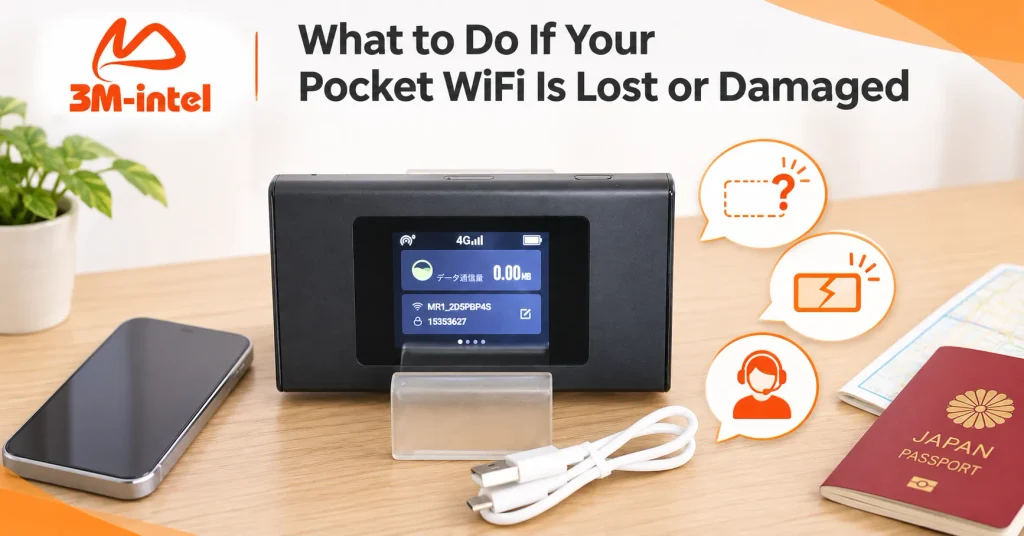
If a rental Pocket WiFi is lost or damaged in Japan, customers should assess the situation and contact 3M INTEL for guidance on the appropriate next steps.
2. Do You Have to Pay Compensation for a Lost or Damaged Rental Pocket WiFi?
Compensation may be required, depending on the rental agreement and the circumstances of the incident. There is no single compensation fee that applies to every Pocket WiFi rental service in Japan.
The following situations may require different handling procedures.
| Situation | What to Confirm With 3M INTEL |
| Entire device is lost | Compensation responsibility and loss reporting procedures |
| Cracked screen or damaged casing | Whether repair or replacement is required |
| Water or impact damage | Inspection procedures and possible charges |
| Missing charging cable or accessories | Required return items and any missing-item charges |
| Device stops working unexpectedly | Technical assessment and available support options |
Not every device malfunction is caused by customer damage.
A Pocket WiFi device may experience technical issues or connectivity problems unrelated to physical impact.
Therefore, customers should request an assessment from 3M INTEL before concluding that the device is damaged or that compensation is required.
Important: A publicly verified compensation fee schedule for lost or damaged Pocket WiFi devices is not currently available from 3M INTEL. Customers should request confirmation of any applicable charges before making a payment.
3. Will You Get Your Equipment Deposit Back if Your Pocket WiFi Is Lost or Damaged?
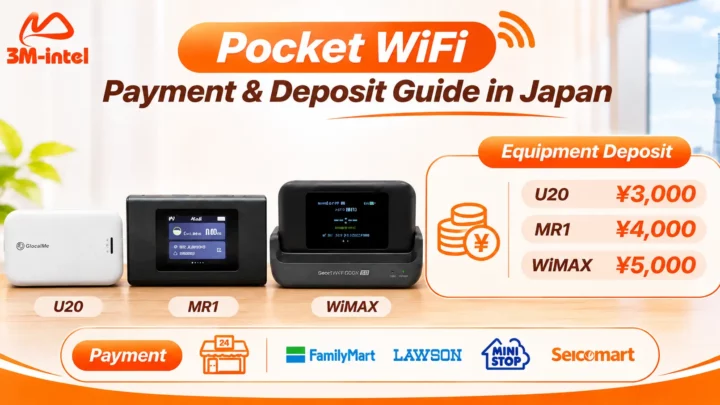
3M INTEL publishes the following equipment deposit amounts for its Pocket WiFi rental options:
| Device | Equipment Deposit |
| GlocalMe U20 | ¥3,000 |
| MR1 | ¥4,000 |
| WiMAX | ¥5,000 |
According to the published service information, deposit refunds are subject to rental termination conditions and the return of the device and required accessories.
However, the equipment deposit is not necessarily the maximum compensation amount.
If your device is lost or damaged, confirm the following with 3M INTEL:
- Will the full deposit or only part of it be refundable?
- Could additional compensation charges apply beyond the deposit?
- How are missing accessories assessed?
- When and how will the deposit be processed?
For example, a ¥3,000 deposit for the U20 does not automatically mean the compensation fee for losing the device is ¥3,000.
Before paying any additional charges, request a clear explanation of how the amount was calculated and which rental conditions apply.
4. How to Contact 3M INTEL About a Lost or Damaged Device
Preparing the relevant information can help the support team review your situation more efficiently.
Rental Information
- Pocket WiFi model: U20, MR1, or WiMAX.
- Name or contact information used during registration.
- Rental period and current service plan.
Incident Information
- Whether the device is lost, physically damaged, or not functioning.
- When and where the incident occurred.
- Photographs of the device, if available.
- A list of remaining accessories.
Once you have gathered this information, visit the 3M INTEL contact page and explain the situation.
You can also review the 3M INTEL Frequently Asked Questions for general information about rental equipment and service conditions.
Can You Request a Replacement Pocket WiFi?
You can contact 3M INTEL to ask whether a replacement device is available if you still need internet access.
However, replacement availability, delivery arrangements, and any applicable charges must be confirmed for your specific situation.
Do not assume that all lost or damaged devices qualify for free replacement.
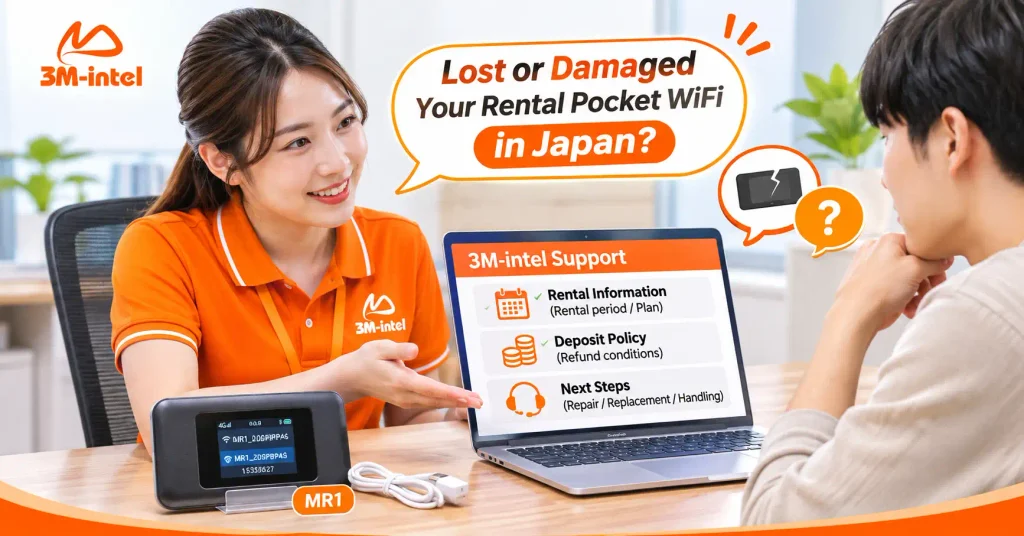
3M INTEL staff assist customers in reviewing Pocket WiFi rental information, deposit refund conditions, and available options for handling lost or damaged devices.
5. Frequently Asked Questions About Lost or Damaged Pocket WiFi
Do I Need to Report a Lost Pocket WiFi to the Police in Japan?
If you suspect theft, you should report the incident to the police.
For misplaced items, filing a lost-property report or contacting the relevant Lost and Found service may help you recover the device.
Ask 3M INTEL whether any police report or reference number is required for your rental case.
Can I Get a Free Replacement if My Pocket WiFi Is Damaged?
Not necessarily.
Free replacement eligibility depends on the cause of the damage, the applicable rental policy, and the provider’s assessment of the device.
What Happens if I Lose the Charging Cable but Still Have the Pocket WiFi?
Report the missing accessory to 3M INTEL and ask how it should be handled before returning the device.
Do not assume that purchasing a replacement cable yourself will automatically satisfy the return requirements.
Can I Repair a Rental Pocket WiFi Myself?
You should not attempt unauthorized repairs or disassemble the equipment.
If the device is damaged, preserve its condition whenever it is safe to do so and contact your service provider for instructions.
6. Handle Rental Pocket WiFi Issues With Support From 3M INTEL
If your rental Pocket WiFi is lost or damaged in Japan, the recommended approach is to report the incident promptly, document the situation, and confirm the applicable compensation and deposit conditions with your provider.
3M INTEL offers U20, MR1, and WiMAX Pocket WiFi rental options in Japan, along with customer support channels for device and service-related inquiries.
Before renting, customers should also review the equipment return conditions, required accessories, and responsibilities for loss or damage.
Understanding these terms in advance helps reduce misunderstandings and makes it easier to handle unexpected situations.
Contact 3M INTEL
- Website: https://3mintel.jp/
- Pocket WiFi Services: https://3mintel.jp/pocket-wifi/
- FAQ: https://3mintel.jp/support/faq/
- Contact: https://3mintel.jp/contact/
- Email: 3mintel.japan@gmail.com
3M INTEL – Transparent Service Information, Clear Guidance, and Customer Support for Pocket WiFi Users in Japan.