Waiting for Home WiFi installation in Japan? Discover why setup takes time and how 3M INTEL Pocket WiFi can help you stay connected.
While waiting for Home WiFi installation in Japan, you can use Pocket WiFi to stay connected without waiting for fiber-optic installation to be completed. This is a practical temporary internet solution for newcomers, international students, and working professionals who need internet access for communication, study, and work as soon as they move into a new home.
In Japan, fixed-line internet installation often requires infrastructure checks, confirmation of building conditions, and technician scheduling. According to 3M INTEL (3Mintel株式会社), Home Internet installation typically takes around 2–3 weeks, depending on the address and actual installation conditions.
During this period, customers can consider using 3M INTEL Pocket WiFi to minimize connectivity interruptions before switching to Home Internet once their fixed-line service is activated.
1. Why Does Home WiFi Installation Take Time in Japan?
Unlike Pocket WiFi, which uses a mobile network, Home Internet services using NTT Hikari infrastructure require a suitable fiber-optic connection at the installation address.
Before installation, the service provider may need to complete several checks and procedures:
- Address verification: Confirm whether the service is available in your area and building.
- Infrastructure assessment: Check the existing fiber-optic connection, optical outlet, and building wiring.
- Housing requirements: Identify whether the property is a mansion/apartment or detached house and determine whether landlord or building management approval is required.
- Technician scheduling: Arrange a suitable installation or activation appointment.
- Connection setup: Connect the ONU and router, then test the internet connection after activation.
According to the 3M INTEL website, installation typically takes approximately 2–3 weeks. This is an estimated timeframe, not a guaranteed installation period for every address.
Some apartments with existing fiber infrastructure may have a simpler activation process. However, if additional wiring or installation approval is required, the process may take longer.
Therefore, if you are moving to Japan or relocating to a new home, registering for Home Internet early can provide more time to complete the necessary procedures.
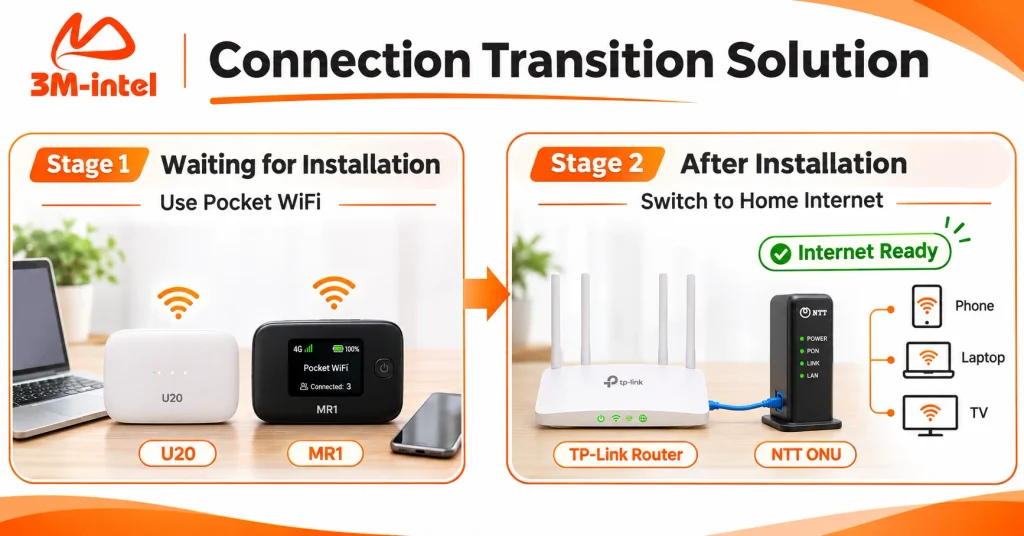
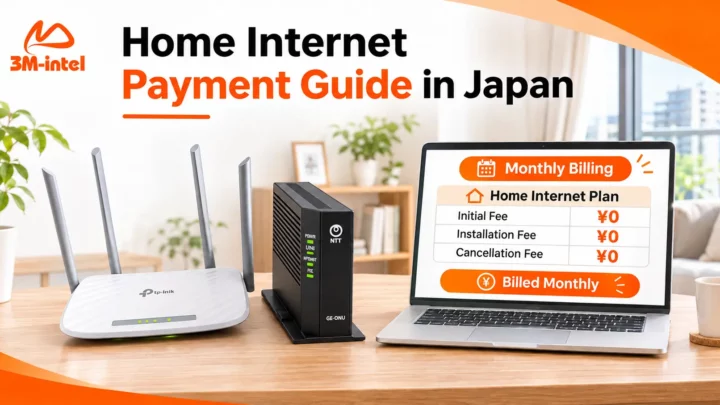
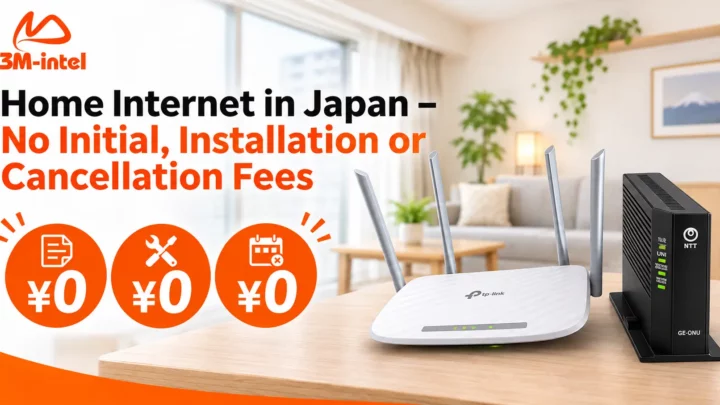
3M INTEL’s two-stage connectivity solution: use U20 or MR1 Pocket WiFi while waiting for installation, then switch to Home Internet with a TP-Link router and NTT ONU.
2. What Internet Options Can You Use While Waiting for Home WiFi?
If your fixed-line internet service is not ready yet, several temporary solutions may help you stay online.
| Internet Solution | Best Suited For | What to Consider |
| Pocket WiFi | Connecting laptops, smartphones, and tablets | Depends on mobile coverage, data plan conditions, and battery life |
| Data SIM / eSIM | Primarily using internet on a smartphone | Device compatibility and plan conditions must be checked |
| Smartphone Hotspot | Short-term internet use with a limited number of devices | May consume significant phone battery and mobile data |
Among these options, Pocket WiFi is worth considering if you need to connect multiple devices without relying entirely on your smartphone’s hotspot function.
One of its main advantages is that Pocket WiFi does not require fiber-optic installation at home.
Once you receive the device, complete the required activation steps, and connect correctly, you can access the internet wherever suitable mobile network coverage is available.
3. 3M INTEL Pocket WiFi: A Temporary Internet Solution During Installation
3M INTEL offers Pocket WiFi devices such as U20, MR1, and WiMAX, allowing customers to explore different options based on their internet needs and mobile network coverage.
While waiting for Home Internet installation, Pocket WiFi can support several everyday activities:
- Remote work: Access emails, online documents, and video meetings when connection conditions allow.
- Online learning: Research information, watch educational content, and access online learning platforms.
- Daily activities: Stay in touch with family, use maps, shop online, and complete digital procedures.
- Multiple device connections: Share internet access with smartphones, laptops, or tablets according to the device’s capabilities.
Should You Choose a 100GB or Full Data Pocket WiFi Plan?
If you only need internet during a temporary transition period, choose a data plan based on your actual usage rather than assuming the largest available plan is always the best option.
| Data Plan | Recommended Usage |
| 100GB | Web browsing, online learning, office work, and moderate data consumption |
| Full Data | Higher data usage, frequent video meetings, streaming, or connecting multiple devices |
Keep in mind that Full Data does not necessarily mean unlimited high-speed internet under all circumstances.
Fair Usage Policy (FUP) conditions, mobile network coverage, and network congestion may affect actual connection speeds.
You can explore the available devices and service options on the 3M INTEL Pocket WiFi page.
What Should You Confirm Before Renting Pocket WiFi for Temporary Use?
Before registering, ask 3M INTEL about:
- The most suitable device and data plan for your location.
- The estimated Pocket WiFi delivery time.
- Rental fees, billing cycles, and equipment deposits.
- How to end the rental and return the device once Home Internet is installed.
- Whether any special offers or support options are available for customers waiting for Home WiFi installation.
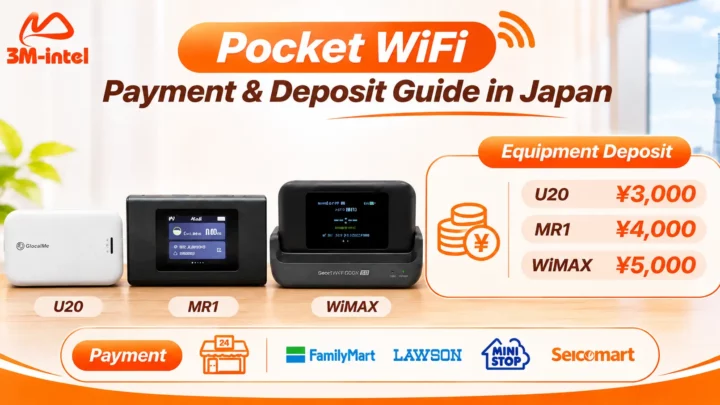
According to the published service information, the equipment deposits are:
| Device | Equipment Deposit |
| U20 | ¥3,000 |
| MR1 | ¥4,000 |
| WiMAX | ¥5,000 |
Equipment deposits are separate from rental fees and are handled according to the applicable device return and refund conditions.
Important: Pocket WiFi is a rental service with its own terms and conditions. Customers should not assume that a device will be provided automatically or free of charge while waiting for Home Internet installation unless 3M INTEL has confirmed such an arrangement.
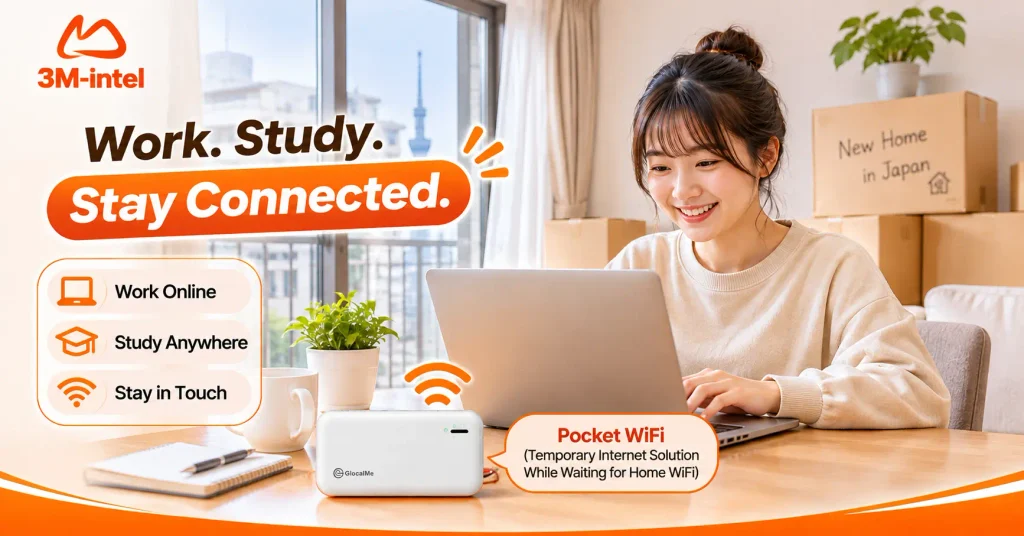
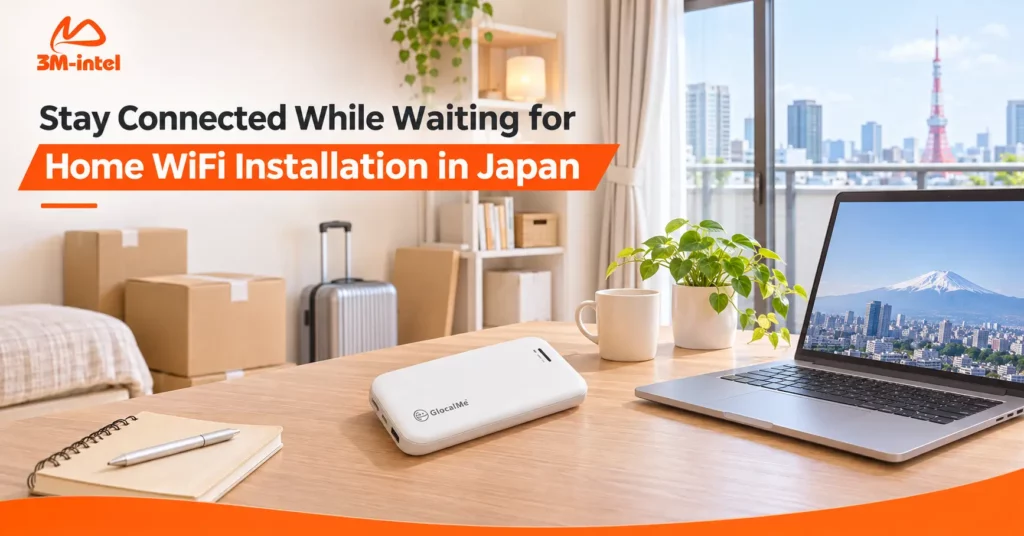
A resident uses 3M INTEL Pocket WiFi for work, study, and communication in a new Japanese apartment, helping minimize connectivity interruptions before Home WiFi installation.
4. How to Switch From Pocket WiFi to Home Internet Smoothly
To avoid unnecessary connectivity interruptions, keep track of your Home WiFi installation schedule and Pocket WiFi rental period.
Before Your Home Internet Installation Date
Confirm your installation address, technician appointment, and any building or landlord requirements with 3M INTEL.
At the same time, review your Pocket WiFi billing cycle so you understand when you may need to request rental termination.
After Home Internet Installation
Once the installation work is completed, test the fixed-line internet connection using your smartphone and laptop.
If your setup uses an NTT ONU and TP-Link router, make sure the devices are connected and configured correctly before relying on the new connection.
You can also review the 3M INTEL Setup Guides for additional installation information.
Once Your Home Internet Is Working
After confirming that your fixed-line internet meets your daily needs, contact 3M INTEL to check the Pocket WiFi rental termination process, device return requirements, and equipment deposit conditions.
Do not stop payments or return the equipment without confirming the applicable end date and procedures.
Planning this transition carefully can help you avoid unexpected internet interruptions and unnecessary charges.
5. Frequently Asked Questions About Waiting for Home WiFi Installation in Japan
How Long Does Home WiFi Installation Usually Take in Japan?
3M INTEL states that installation typically takes approximately 2–3 weeks.
The actual timeframe depends on the address, existing infrastructure, building conditions, and technician availability.
Does Pocket WiFi Require a Technician to Visit My Home?
No. Pocket WiFi uses a mobile network and does not require fiber-optic installation at your home.
Once you receive and set up the device correctly, you can connect to the internet in areas with suitable mobile network coverage.
Can Pocket WiFi Completely Replace Home Internet?
It depends on your usage needs.
Pocket WiFi offers flexibility and can be useful for temporary connectivity. However, its performance depends on mobile coverage, location, connected devices, and data plan conditions.
Home Internet may be more suitable for long-term, fixed-location usage where compatible fiber infrastructure is available.
Does 3M INTEL Provide Free Pocket WiFi While Customers Wait for Home WiFi Installation?
There is currently no publicly verified policy confirming that Pocket WiFi is automatically provided free of charge during the Home Internet installation period.
Customers should contact 3M INTEL to ask about available solutions and any applicable promotions.
6. Contact 3M INTEL to Stay Connected While Waiting for Installation
Waiting for Home WiFi installation does not mean you have to go without internet access for days or weeks.
For temporary connectivity needs, Pocket WiFi provides a flexible option to continue working, studying, and managing everyday online activities while waiting for your fixed-line service.
3M INTEL offers both Home Internet services using NTT Hikari infrastructure and Pocket WiFi rental options in Japan, helping customers explore connectivity solutions based on their needs and actual service conditions.
When contacting the support team, prepare your Home Internet installation address, expected move-in date, number of users, connected devices, and estimated data usage.
Contact 3M INTEL
- Website: https://3mintel.jp/
- Home Internet: https://3mintel.jp/home-internet/
- Pocket WiFi: https://3mintel.jp/pocket-wifi/
- Setup Guides: https://3mintel.jp/support/setup-guides/
- Contact: https://3mintel.jp/contact/
- Email: 3mintel.japan@gmail.com
3M INTEL – Stay Connected While Waiting for Installation and Enjoy Greater Peace of Mind as You Settle Into Life in Japan.