Learn how to pay for 3M INTEL Home WiFi in Japan, including monthly billing, zero initial, installation and cancellation fees, and payment steps.
3M INTEL Home WiFi is billed monthly, with No Initial Fee, No Installation Fee, and No Cancellation Fee under its current service policy. Before getting started, customers need to submit their address for an infrastructure check and confirm their internet plan, monthly charges, and applicable payment method.
For newcomers to Japan or anyone registering for fixed-line internet for the first time, understanding the payment process can help prevent confusion between monthly service charges, installation fees, and equipment-related costs.
3M INTEL (3Mintel株式会社) provides Home Internet services using NTT Hikari infrastructure in Japan. This guide explains the payment process, from confirming initial costs to managing monthly bills and checking equipment requirements.
1. What Fees Do You Pay for 3M INTEL Home WiFi?
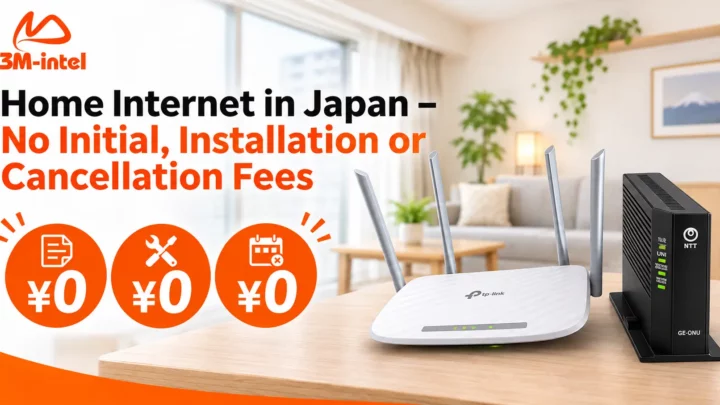
Under its current service policy, 3M INTEL Home Internet offers three fees at ¥0, helping customers reduce costs when starting or ending their service.
| Fee Type | 3M INTEL Policy |
| Initial Fee | ¥0 – No Initial Fee |
| Installation Fee | ¥0 – No Installation Fee |
| Cancellation Fee | ¥0 – No Cancellation Fee |
| Monthly Internet Service Fee | Charged according to the selected plan |
| Equipment or Additional Services, If Applicable | Confirmed according to specific service conditions |
Important: No Initial Fee does not mean the first month of internet service is free. Customers are still responsible for monthly service charges according to the billing terms confirmed during registration.
If your installation address requires special construction or additional services outside the standard installation scope, confirm the applicable conditions with 3M INTEL before proceeding.
You can learn more about the service on the 3M INTEL Home Internet page.
2. How to Register and Pay for Home WiFi at 3M INTEL
Unlike Pocket WiFi, which connects through a mobile network, Home Internet requires infrastructure verification and installation checks at a specific address.
The registration and payment process generally involves four steps.
Step 1: Submit Your Address and Check Installation Availability
First, contact 3M INTEL and provide the following information:
- Your installation address in Japan.
- Your housing type: Mansion/Apartment or detached house.
- Your expected move-in date or preferred service start date.
- The number of users and devices that need internet access.
3M INTEL checks service availability using NTT Hikari infrastructure, existing fiber-optic connections, and any applicable building requirements.
This step helps determine the installation options before customers commit to the service.
Step 2: Confirm Your Internet Plan and Payment Amount
Once the address check is completed, customers can review the available Home Internet plan and its service conditions.
Before confirming your registration, check these details:
- Monthly Service Fee: The amount charged for your selected internet plan.
- Billing Start Date: When service charges begin under your registration and activation conditions.
- Billing Cycle: Your payment due date and billing period.
- Included Equipment: The router, ONU, and any equipment handover requirements.
- Special Charges: Any additional costs associated with non-standard installation or optional services, if applicable.
Customers should also confirm that the No Initial Fee – No Installation Fee – No Cancellation Fee policy applies to their registration.
Step 3: Receive Payment Instructions From 3M INTEL
After the service details are confirmed, customers follow the payment instructions provided by 3M INTEL for their registration.
The 3M INTEL website describes payment by code at participating convenience stores, including:
- FamilyMart
- Lawson
- Mini Stop
- Seicomart
However, customers should confirm whether convenience-store payment is available for their specific Home Internet plan, along with the payment timing and instructions for receiving a payment code.
If a payment code is provided, verify the amount due, expiration date, and supported store before paying.
Do not transfer money to an account that has not been verified through official 3M INTEL instructions.
Step 4: Schedule Installation and Activate Your Home Internet
After completing the required registration procedures, 3M INTEL coordinates installation scheduling based on your address and infrastructure conditions.
According to its published information, installation typically takes around 2–3 weeks, depending on technician availability, existing fiber infrastructure, and building requirements.
Once the service is activated, you can connect your smartphone, laptop, and other devices to your home WiFi network.
However, installation and activation do not necessarily mean that every customer has the same billing start date.
Always follow the billing details confirmed for your service.
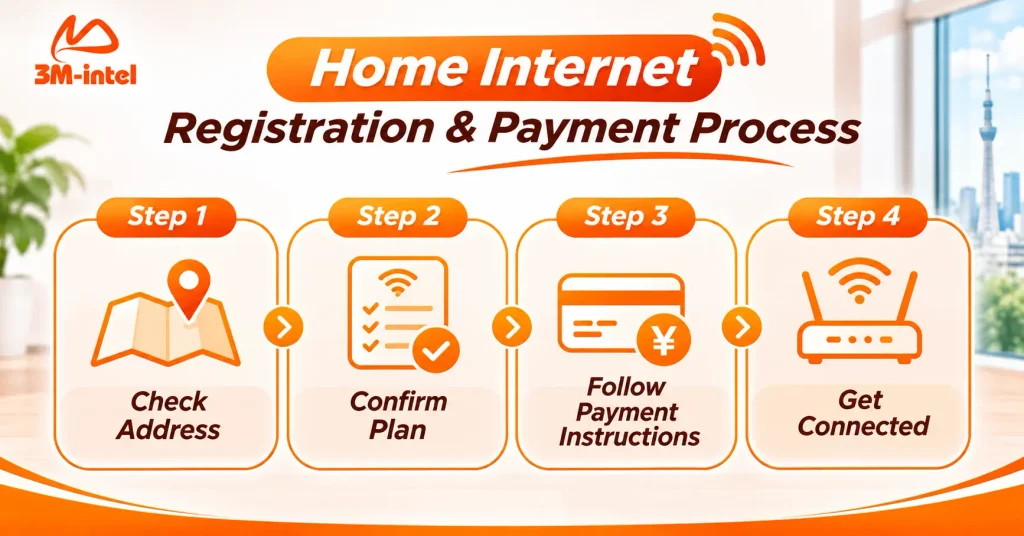
The four-step 3M INTEL Home WiFi registration and payment process: check your address, confirm your plan, follow payment instructions, and get connected.
3. How to Pay Your Monthly Home WiFi Bill
3M INTEL Home Internet uses a monthly billing system. Customers should monitor their billing period, payment amount, and the instructions associated with their service.
To avoid incorrect payments or missed deadlines, follow these three steps.
Check Your Payment Notice
Review your payment information carefully, including:
- Customer or registration details.
- Home Internet service information.
- Amount due.
- Payment deadline.
Make sure the details match your registered service.
Use the Confirmed Payment Method
If you receive a convenience-store payment code, use the correct code and follow the instructions at the designated store.
For bank transfers or other payment methods, only use details confirmed by 3M INTEL.
Keep Your Payment Confirmation
After paying, keep your receipt, transaction record, or payment confirmation for future reference.
If you have completed a payment but it has not been recorded, contact 3M INTEL and provide your transaction details for verification.
Note: Do not assume that Home WiFi and Pocket WiFi have the same monthly payment due date. The payment schedule must be confirmed separately for each service.
4. Do TP-Link Routers and NTT ONUs Require Equipment Deposits?
This is an important question to clarify before registering for Home Internet in Japan.
A fixed-line internet setup may include an NTT ONU and a WiFi router, such as certain TP-Link models supplied under the installation arrangement.
However, Home Internet equipment policies are not necessarily the same as Pocket WiFi deposit policies.
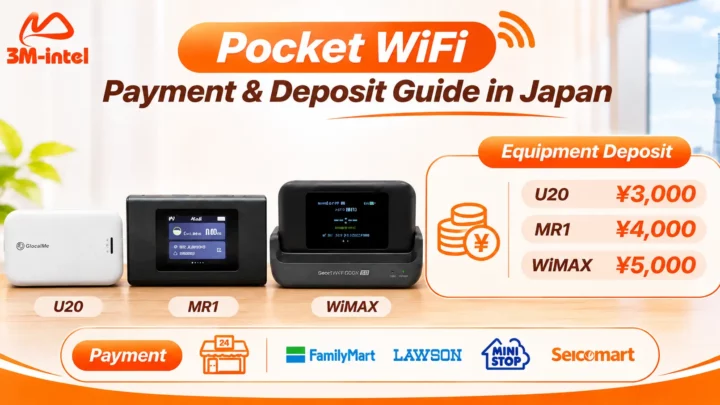
For example, the deposits for U20, MR1, and WiMAX Pocket WiFi devices should not be automatically applied to TP-Link routers or NTT ONUs.
Before receiving your equipment, ask 3M INTEL to confirm:
- Whether the router and ONU are rented, loaned, or transferred to the customer.
- Whether any equipment deposit or separate rental fee applies.
- Which accessories are included.
- Whether the equipment must be returned when the service ends.
- How lost or damaged equipment is handled.
There is currently insufficient publicly verified information to confirm that all 3M INTEL Home Internet equipment is provided without a deposit in every situation.
Clarifying the equipment terms before installation can help avoid unexpected costs later.

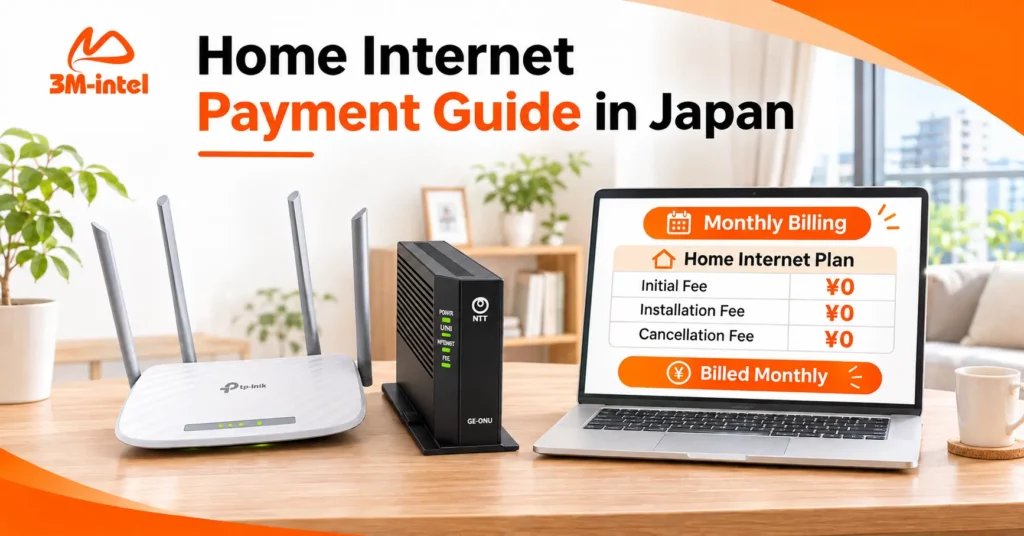
A 3M INTEL Home Internet billing overview showing the three ¥0 fees separately from monthly service charges, helping customers understand billing cycles and payment deadlines.
5. Frequently Asked Questions About Home WiFi Payments in Japan
Does 3M INTEL Charge an Initial Registration Fee for Home WiFi?
No. Under its current service policy, 3M INTEL Home Internet offers No Initial Fee and No Installation Fee.
Customers still pay the monthly service fee according to their selected plan.
Can I Pay My Home WiFi Bill at a Convenience Store in Japan?
The 3M INTEL website provides instructions for code-based payments at FamilyMart, Lawson, Mini Stop, and Seicomart.
However, customers should confirm whether this payment method is available for their specific Home Internet registration before making a payment.
When Does Home Internet Billing Begin?
The billing start date and payment cycle are confirmed during registration.
Customers should not assume that billing always begins on the day a technician visits their property.
What Should I Do if My Home WiFi Payment Is Late?
Contact 3M INTEL to check your payment status, applicable deadlines, and the next steps.
Avoid making multiple payments for the same bill before confirming whether your previous transaction has been recorded.
6. Contact 3M INTEL for Home Internet Payment Support
Understanding the payment process helps customers register for Home WiFi in Japan with greater confidence and manage their internet costs more effectively.
With 3M INTEL Home Internet, customers benefit from the current service policy:
No Initial Fee – No Installation Fee – No Cancellation Fee.
3M INTEL also provides guidance on internet plans, address-based installation availability, and the necessary registration procedures.
To get started, prepare your Japanese address, housing type, and expected internet usage needs.
Before making any payment, confirm your monthly charges, available payment methods, billing schedule, and equipment conditions.
Contact 3M INTEL
- Website: https://3mintel.jp/
- Home Internet: https://3mintel.jp/home-internet/
- FAQ: https://3mintel.jp/support/faq/
- Contact: https://3mintel.jp/contact/
- Email: 3mintel.japan@gmail.com
3M INTEL – Clear Payments, Transparent Costs, and a Simpler Home Internet Experience in Japan.